· 4 min read · Launch Your SaaS team
Why We Check Badges in Raw HTML, Not JavaScript
A badge that only appears after scripts run is invisible to most crawlers. Here is how our verifier works and how to pass it on any stack.
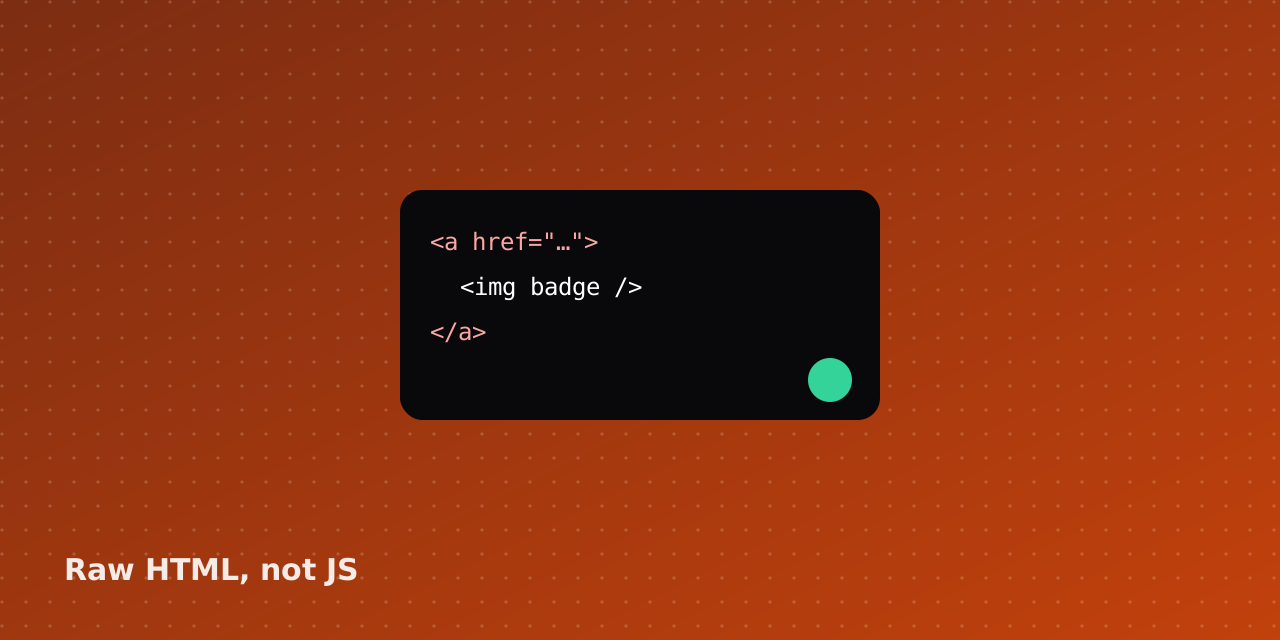
When you click Verify badge, our server downloads your homepage the way a simple crawler does: one request, no JavaScript. If the badge link is in that HTML, you pass.
Passing on common stacks
- Static sites and WordPress: paste the snippet in your footer template
- Next.js, Nuxt, SvelteKit, Astro: render the snippet in a server component or layout
- Webflow and Framer: use an embed element in the footer
- Single-page apps: add the snippet to index.html, not a React component
If you only render the badge client-side, the check fails on purpose. Search engines and AI crawlers often skip JavaScript, so a JS-only badge would not do anything for either of us.
Skip the form-filling
We'll submit your SaaS to 60+ or 100+ directories by hand and send a screenshot report.
See the submission serviceExplore the directory






Keep reading

How to Launch Your SaaS on Directories Without Losing a Week
A practical order of operations for directory launches: what to prepare once, where to submit first, and how to stop re-typing your tagline forty times.
Read article
What a Badge-Verified Listing Actually Signals
Badges are easy to dismiss as link swaps. Here is what verification checks on Launch Your SaaS, and why we look at the raw HTML of your homepage.
Read article
Free vs Paid Directory Listings: When $14 Is Worth It
Paying to skip a queue is not always smart. A short framework for deciding between free, same-day, and featured placements.
Read article ScreenSmooth